X allows up to 280 characters in a post. When you schedule a post and the caption is longer than that, Socialbud holds X until you shorten the caption for X, or leave X out of this schedule. The other platforms you selected can keep the longer caption.
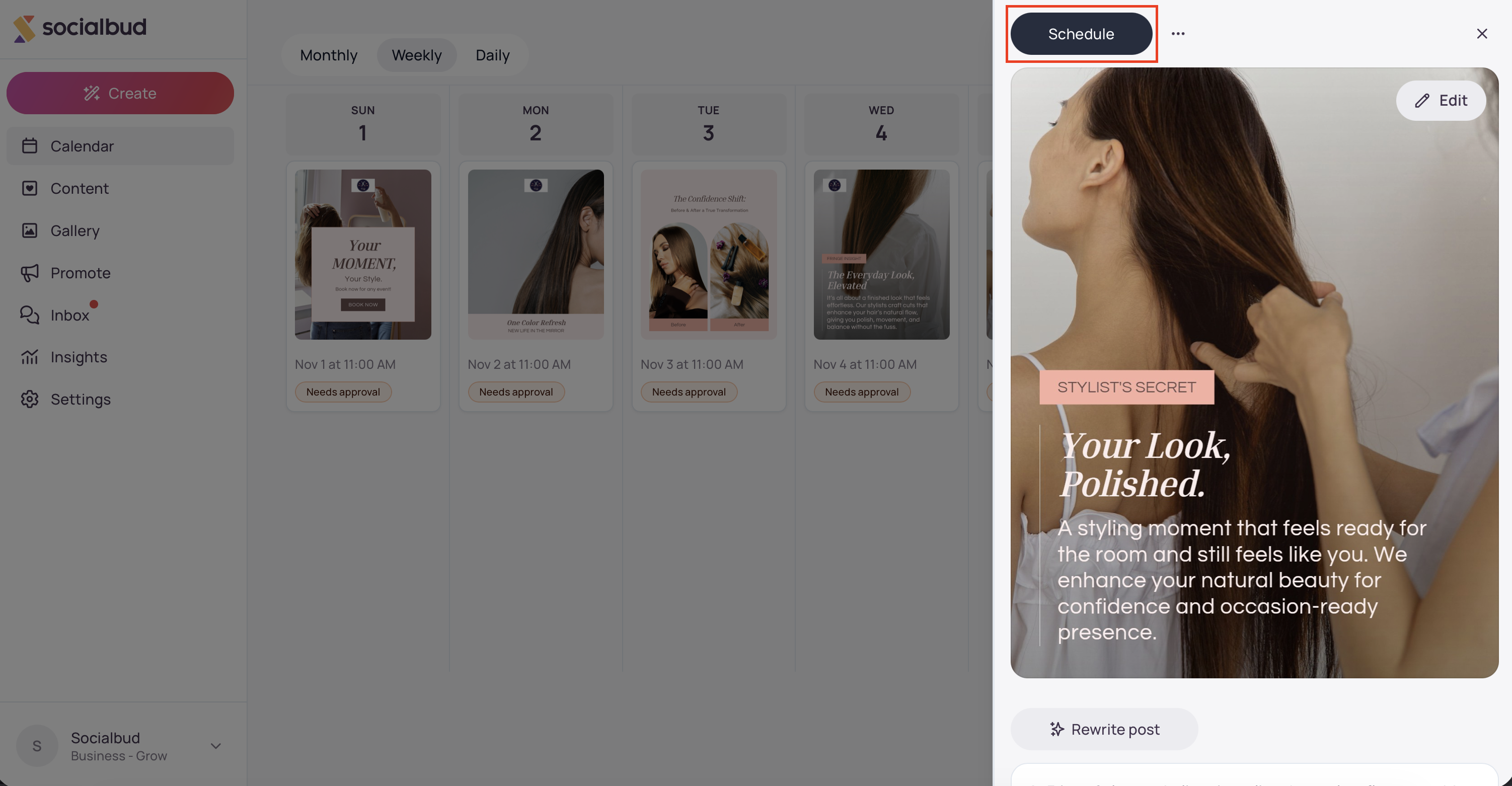
Open the post and click Schedule. If the post is already scheduled, the button says Reschedule.
On Schedule post, select X / Twitter.
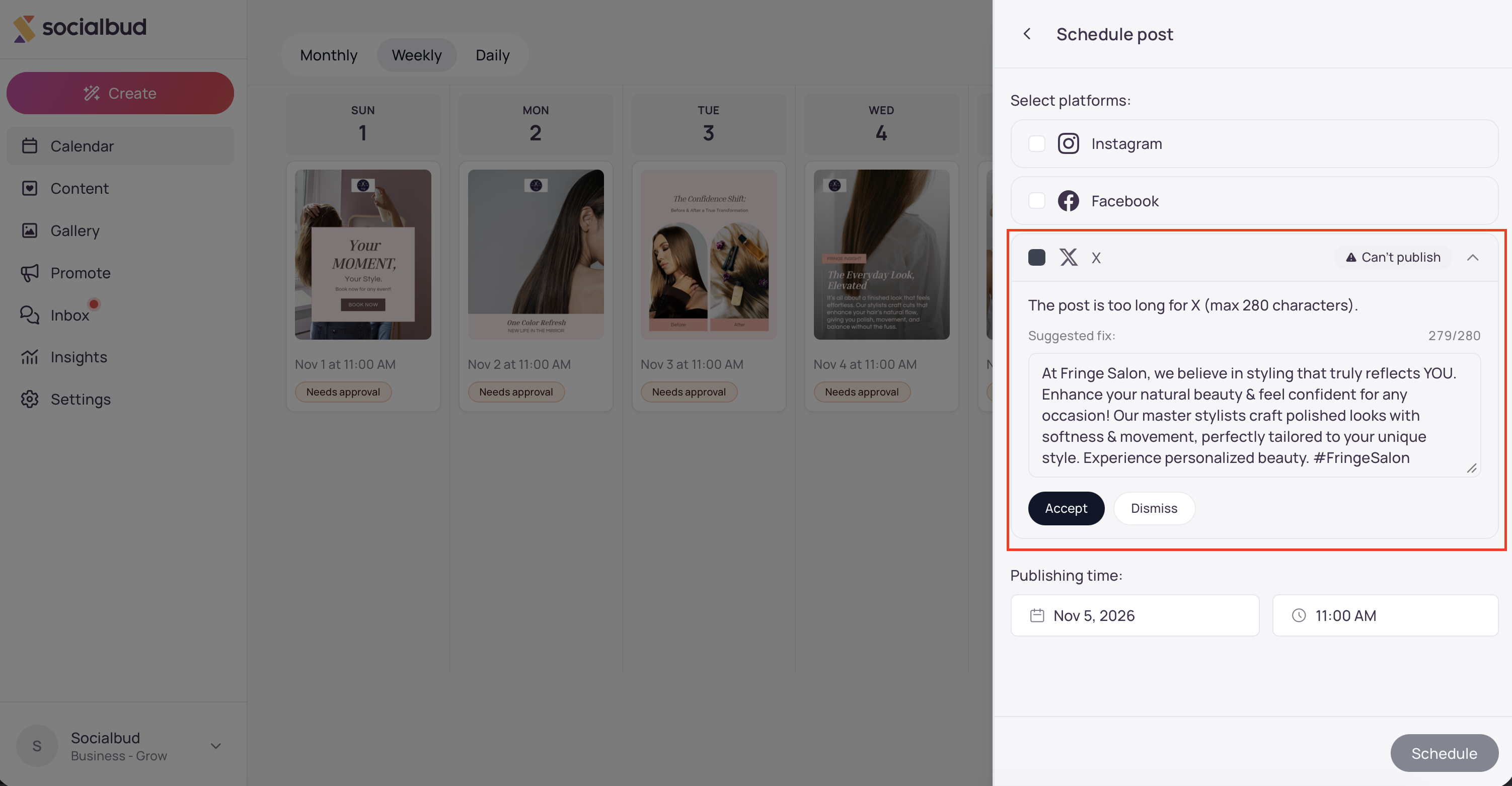
If the caption is over the limit, the X row opens, shows Can't publish, and displays The post is too long for X (max 280 characters).
Schedule stays unavailable while X is selected and the caption is still too long.
Shorten the text in the box on that row, then click Accept. Socialbud uses that shorter caption for X. Every other selected platform keeps the caption it already has.
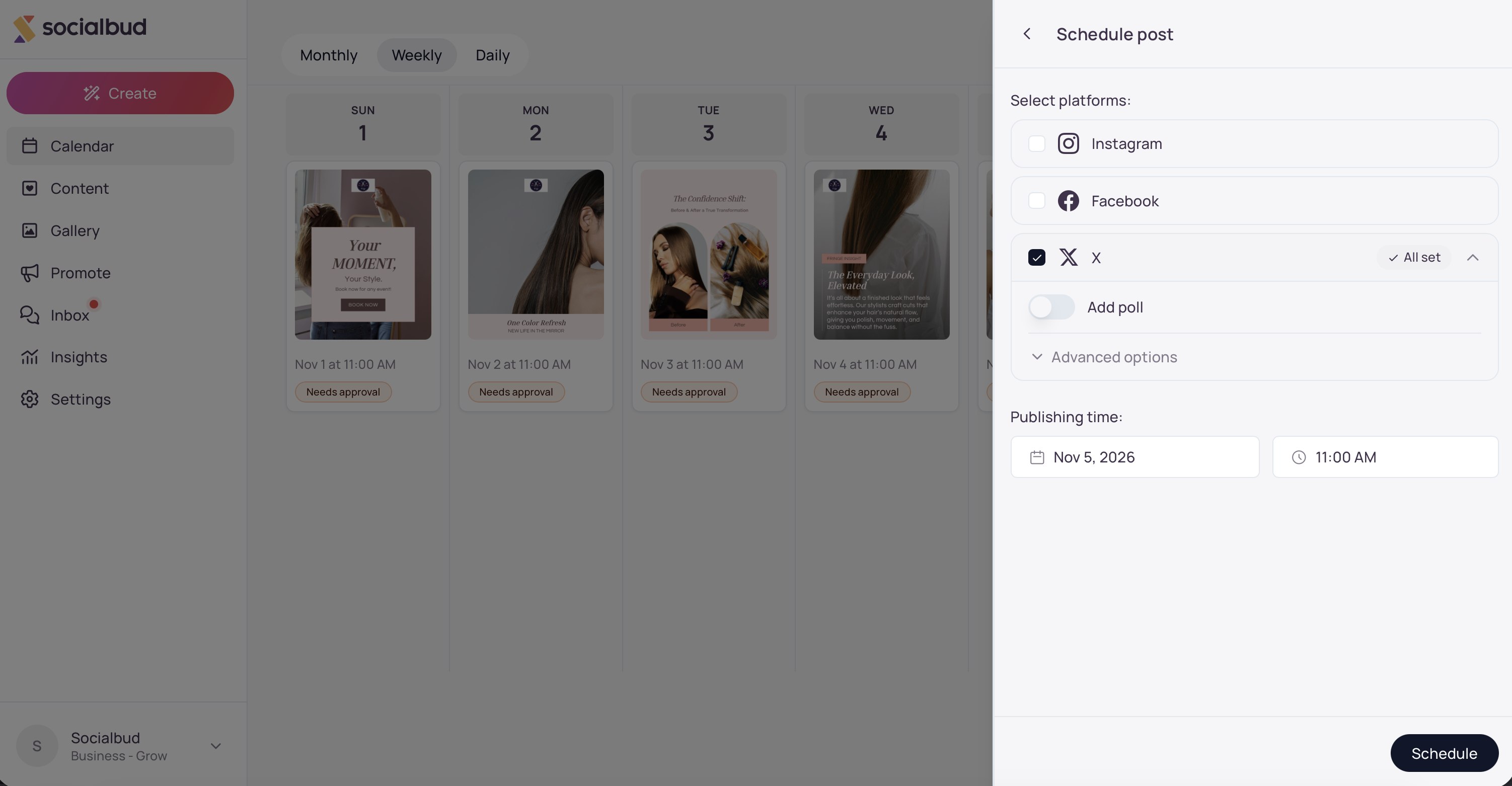
When X shows All set and your other platforms are ready, choose the publishing time and click Schedule.
Open the post from the Calendar, or from Content → Post (My posts).
Click Schedule, or Reschedule if the post is already on the calendar.
Select X / Twitter.
Read the message: The post is too long for X (max 280 characters).
If your plan includes caption rewrites, wait while the row says Generating suggestion…. Cancel stops the suggestion and removes X from this schedule.
When a suggestion is ready, edit it under Suggested fix:. If rewrites are not included in your plan, the box is labeled Edit the caption for this platform: and starts with your current caption.
Change the text until the counter is 280 or lower, such as 250/280. While the caption is still too long, the row says This is still too long. Shorten it to continue. and Accept stays unavailable.
Click Accept.
Set Publishing time:, then click Schedule.
Click Dismiss on the X row, or click X / Twitter again to clear it. You can schedule the post to the other platforms you selected. Their captions stay as they are.
A caption of exactly 280 characters is allowed. 281 is too long.
The counter uses X’s own counting rules. Ordinary letters and numbers count as 1. An emoji counts as 2. Chinese, Japanese, and Korean characters count as 2. The number beside the caption can be higher than a plain character count in another app.
Read the suggestion before you accept it. You can rewrite it in your own words, as long as the counter stays at 280 or under.
Accept saves the shorter caption for X only. A post that also goes to Instagram, Facebook, or another platform keeps the longer caption there.
The next time you open Reschedule, Socialbud checks the caption already saved for X.
The same limit can appear while you write the caption. The warning is labeled X / Twitter, shows a count such as 307/280, and the message The post is too long for X (max 280 characters). When rewrites are included, that box also has a Shorten for X button.
X also has media limits: at most 4 images, images up to 5 MB, and videos up to 140 seconds. Those appear with a Blocked label, and the caption box stays hidden until that issue is fixed.
Schedule stays unavailable. The X row still says Can't publish. Shorten the caption and click Accept, or click Dismiss to leave X off this schedule.
Accept stays unavailable. The counter is over 280, and the row says This is still too long. Shorten it to continue.Edit the text in the box until the counter is 280 or lower.
The suggestion is still too long. Edit it yourself in the same box. Accept turns on only after the counter fits.
There is no suggestion, only my current caption. Caption rewrite is not included in this plan. Shorten the text under Edit the caption for this platform:, then click Accept.
The caption box is missing and the row says Blocked. X is also over a media limit: more than 4 images, an image larger than 5 MB, or a video longer than 140 seconds. Reduce the images, use a smaller image, or trim the video. The caption box returns after that Blocked item is gone.
A failed post says “This post is too long for this platform. Shorten the caption and try again.” Open the post, click Reschedule, shorten the X caption, and schedule it again.
X / Twitter is not in the list. Connect the X account under Settings → Socials.
Accept saves the shorter caption for X. Instagram, Facebook, LinkedIn, and any other platform you selected keep the caption they already have.
X counts some characters as more than one. An emoji counts as 2. Chinese, Japanese, and Korean characters count as 2. Ordinary letters and numbers count as 1.

