Users may want to downgrade their Socialbud plan if their needs change (for example, managing fewer accounts or reducing costs) or if they prefer a lower-tier plan’s limits. Downgrading means moving from a paid plan to a cheaper paid plan. Socialbud allows plan changes at any time, but there are important differences depending on when you downgrade. The sections below explain when to downgrade, how to do it, and what happens to billing and credits.
Keep these rules in mind: your current plan remains active until the end of the billing cycle and no refunds or prorated credits are issued for the unused portion.
Refund requests are only possible within the 7-day refund window counted from the date of signup. After this period, refunds cannot be issued.
Socialbud’s terms state that if you cancel or downgrade, you are still responsible for paying the fees for the entire paid term.
In practice, this means that if you downgrade mid-cycle, your existing plan will continue working until the next renewal date, and your new (lower) plan will begin on that date. No part of the unused subscription is refunded – the new plan’s pricing simply applies starting at the next billing cycle.
When you downgrade your subscription in Socialbud, the new plan always starts at the beginning of your next billing cycle. Until then, your current (higher-tier) plan remains active. The exact billing impact depends on the type of plan you're switching from.
Monthly to Monthly
If you move to a cheaper monthly plan, the change will take effect on your next renewal date. You’ll keep your current plan’s features until the end of the month you already paid for. No extra charges or refunds apply mid-month.
Example: If you downgrade from Grow to Start in the middle of the month, the Start plan will begin at the next month.
Monthly to Yearly
Switching from monthly to yearly means you’ll pay upfront for a full year. This new plan also starts at your next renewal. Any remaining time on your current monthly plan isn’t refunded or credited.
You’re essentially prepaying for the next 12 months, and the new plan starts at that time.
If you downgrade from an annual plan, your current yearly plan stays active until the end of the year you already paid for. The new, lower-priced plan will only begin once that year ends. Unused months aren’t refunded or turned into credit.
For example, if you switch after 6 months, the downgrade will take effect at the 12-month mark—no partial refund is given for the remaining time.
All plan changes take effect at the start of your next billing period. You can keep using your existing plan until then. Downgrading early does not shorten or cancel the time you’ve already paid for.
Log in to your account and locate the Manage plan button.

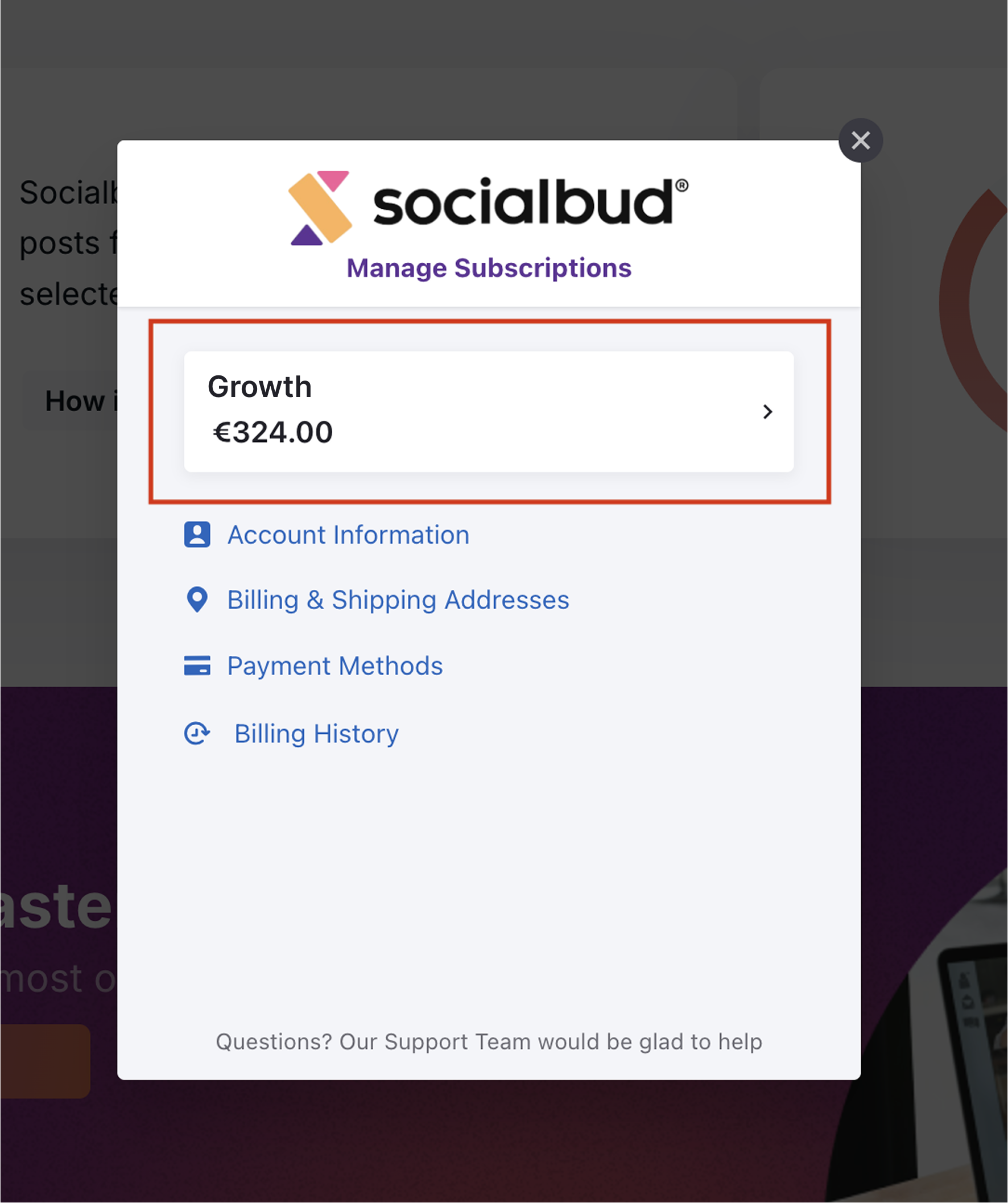
Click the Manage Plan button to open the Manage Subscription window.
Select your current plan
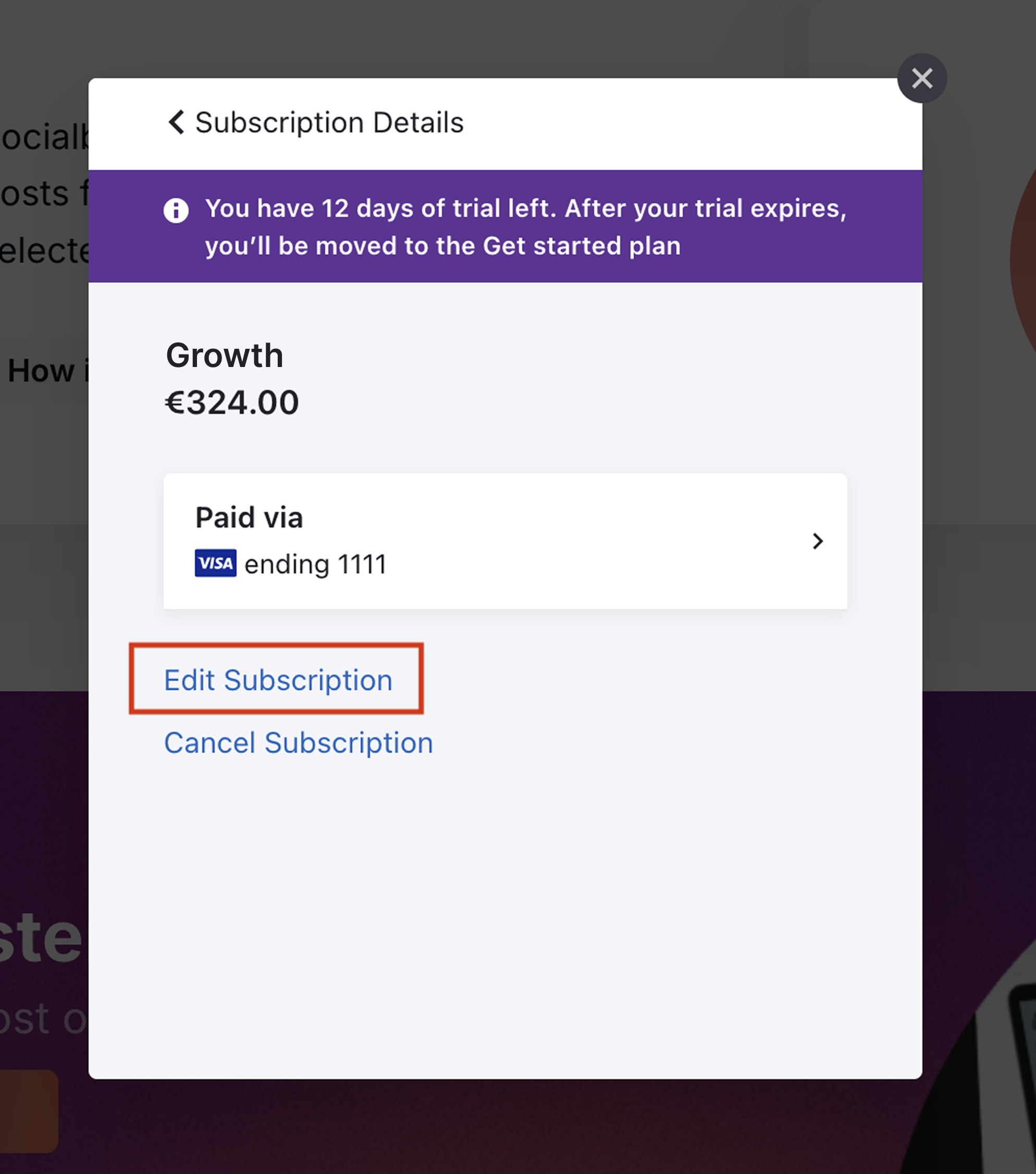
Click Edit Subscription.
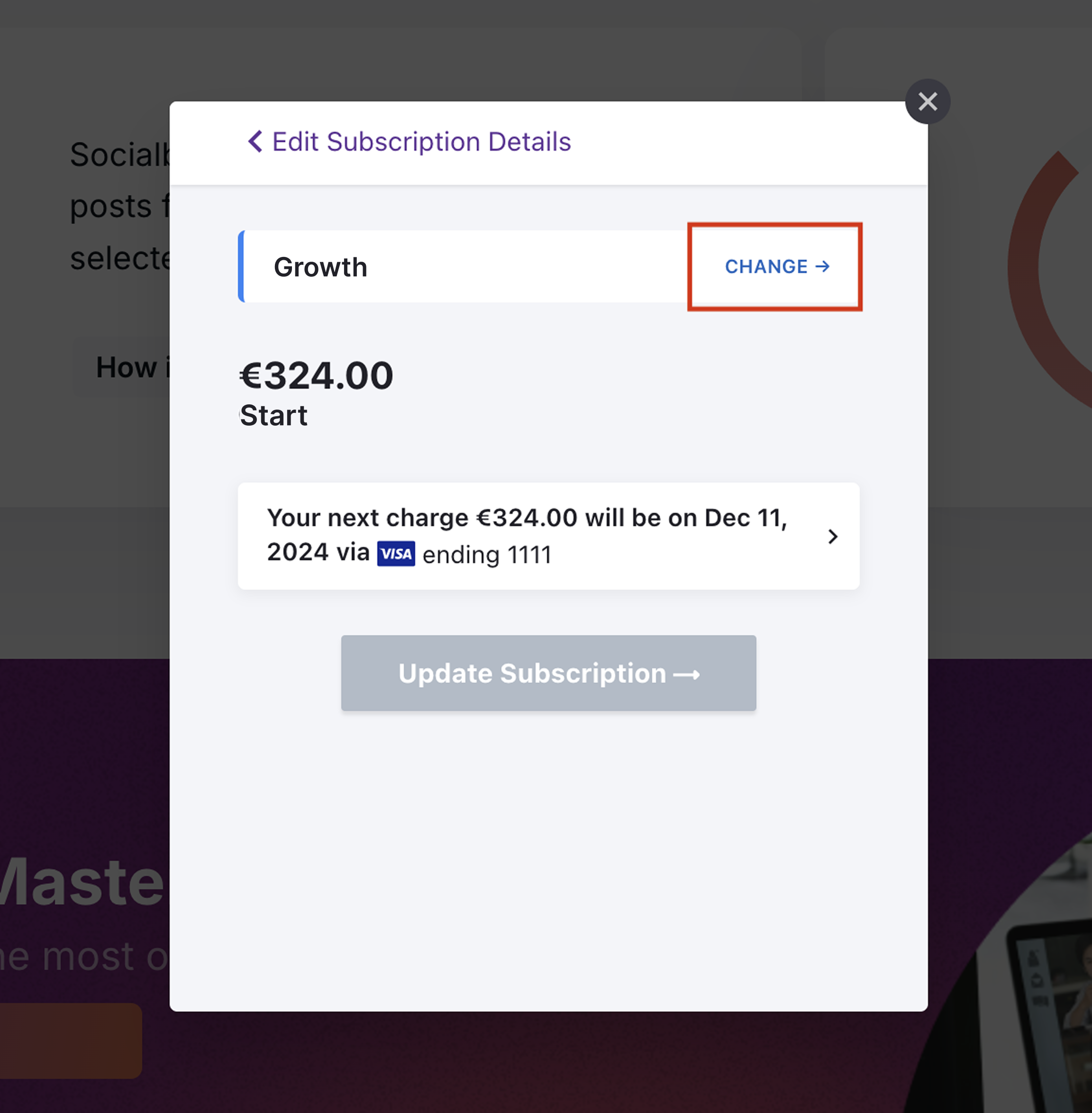
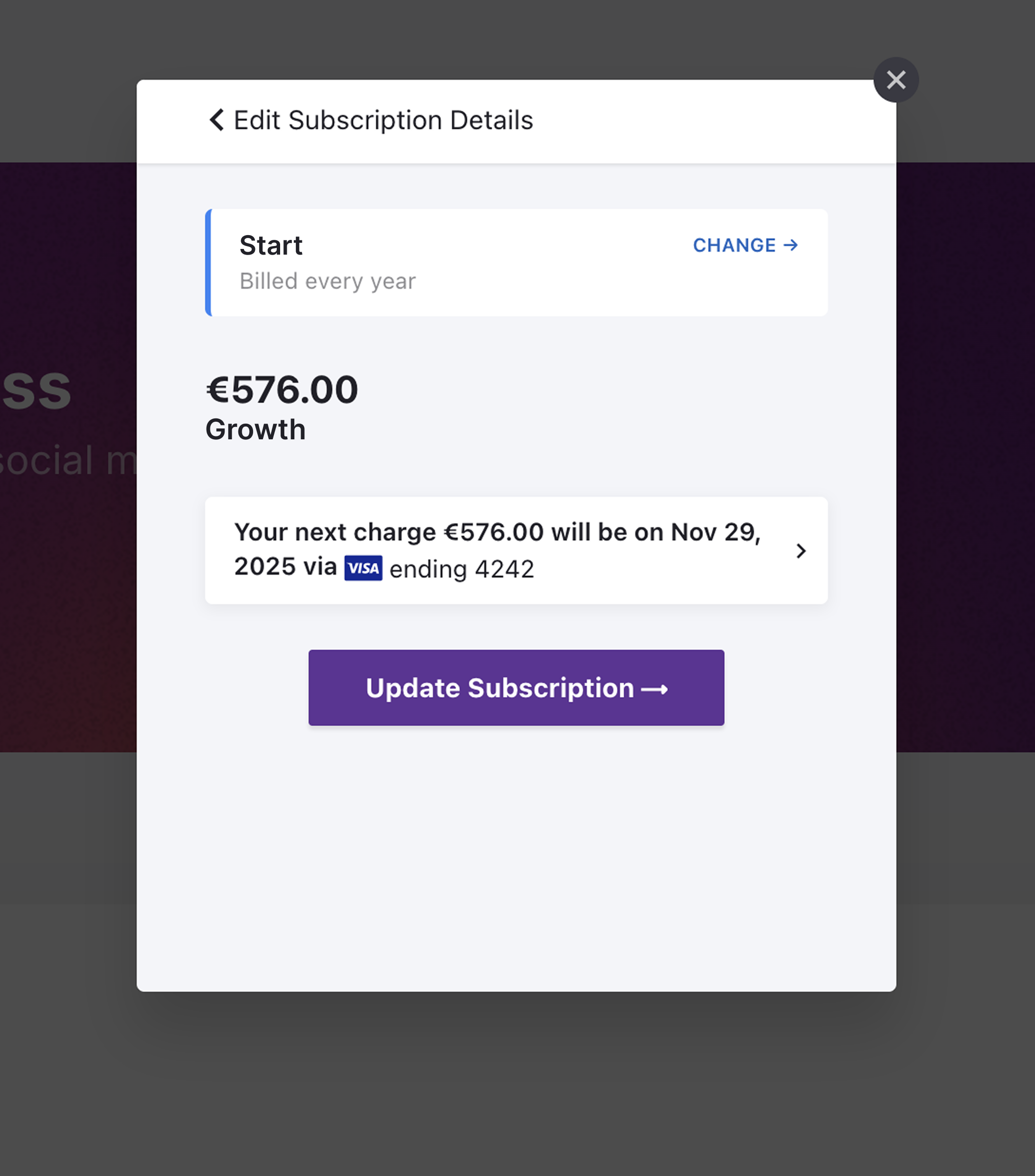
Click on CHANGE
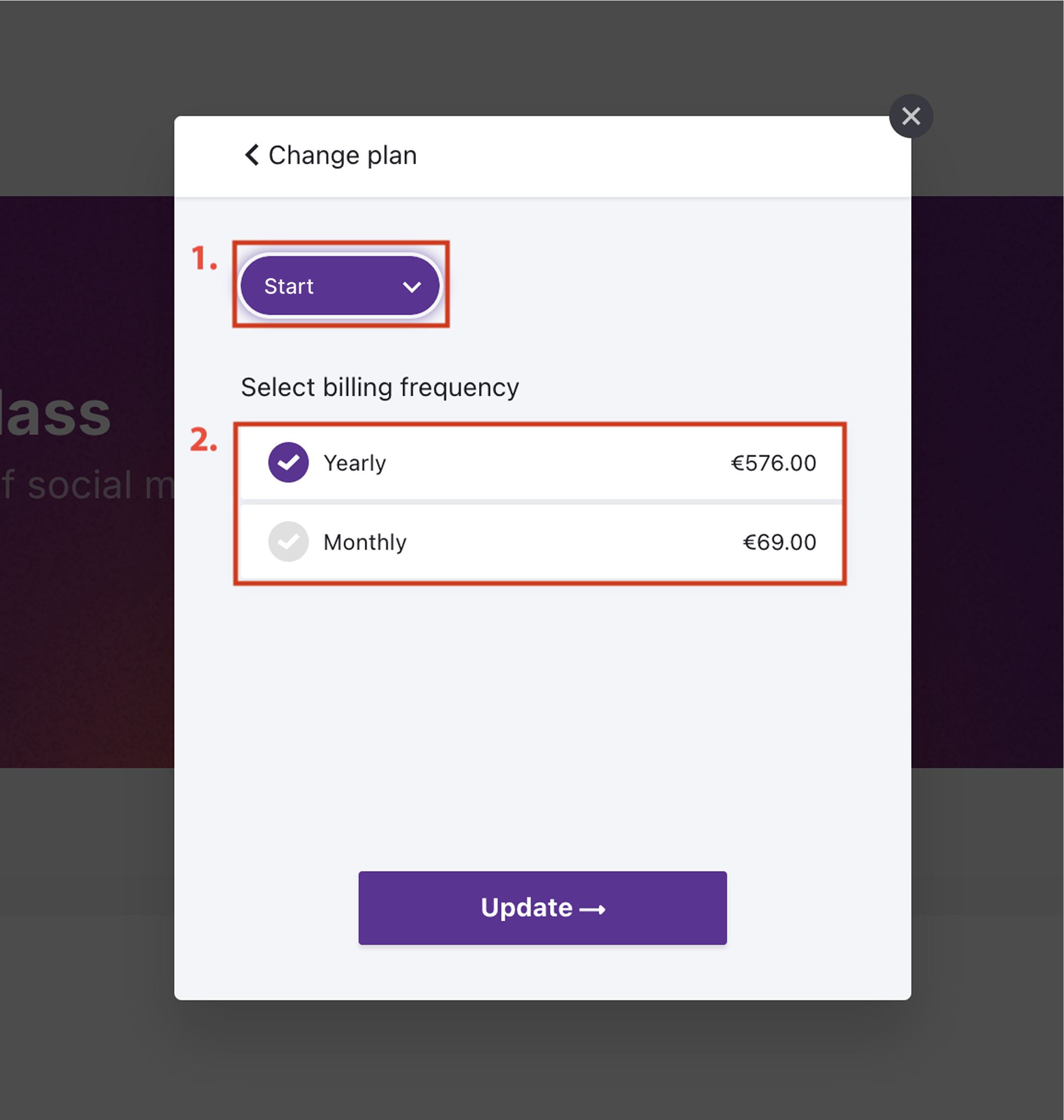
Click on the Package selector and select a plan which fits to your needs,
than Select billing frequency. Than click on Update.
Click Update Subscription button.
Once the payment is successful:
You’ll be redirected back to Socialbud, where a confirmation message will notify you of the successful downgrade.
This message will include an option to connect your accounts on our Platforms and Schedule page. Click the Connect accounts button to proceed.
