The subscription page is Plan & Billing, under Settings. It shows the plan, the status, what the plan includes, and the buttons to change it. Your name, email, and password are not on this page. Those are on My Profile, in the account menu.
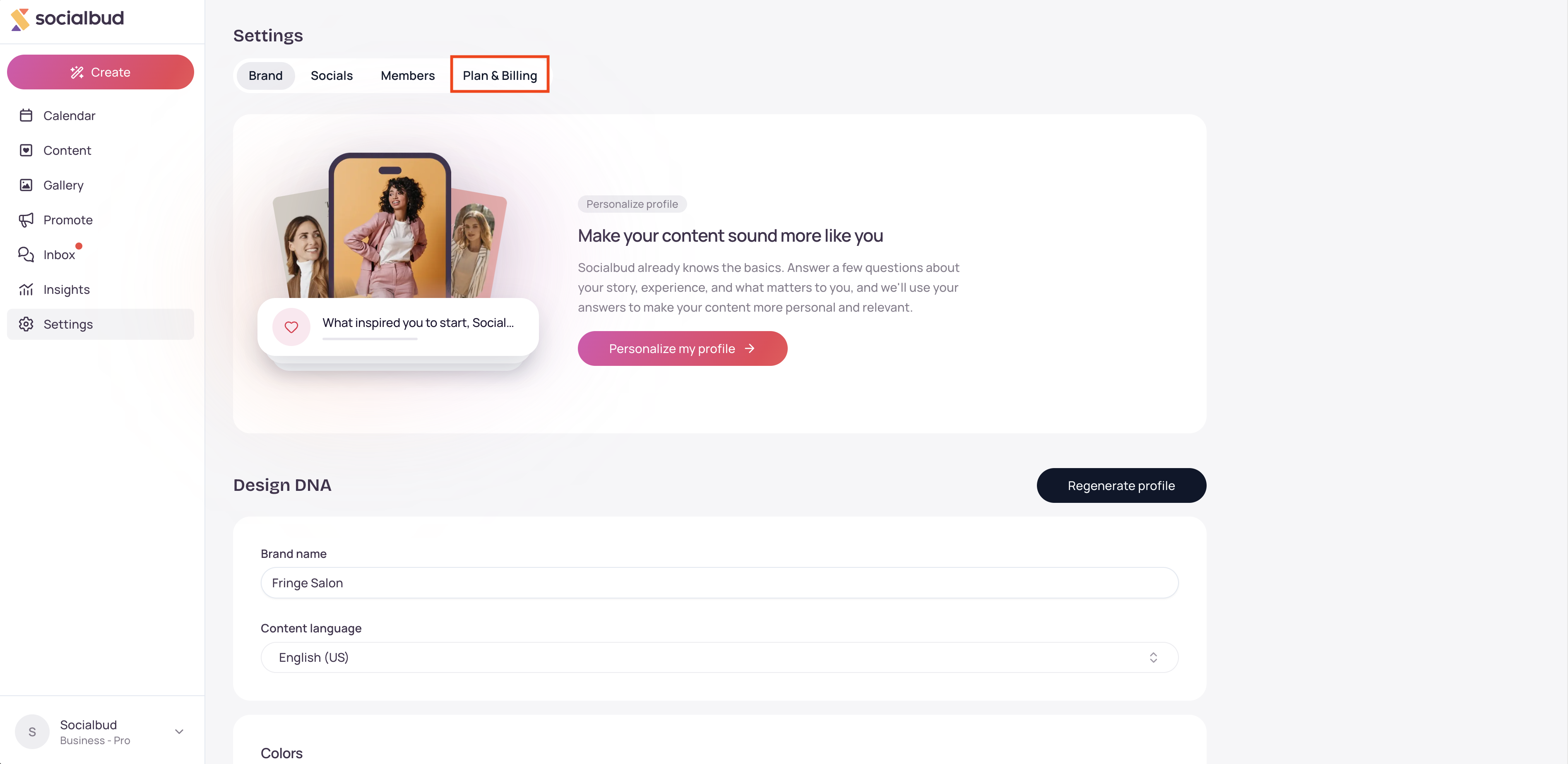
Open Settings and select Plan & Billing. You can also open Plan & Billing from the account menu.
The card is titled Plan & Billing. The line under it says Your current plan and billing. Manage your subscription via Stripe.
Status is Active, Trial, Cancelling, Past due, or No plan.
Plan is the name of the current plan. A trial also shows Trial ends. An active, cancelling, or past-due paid plan shows Renews or Cancels with a date.
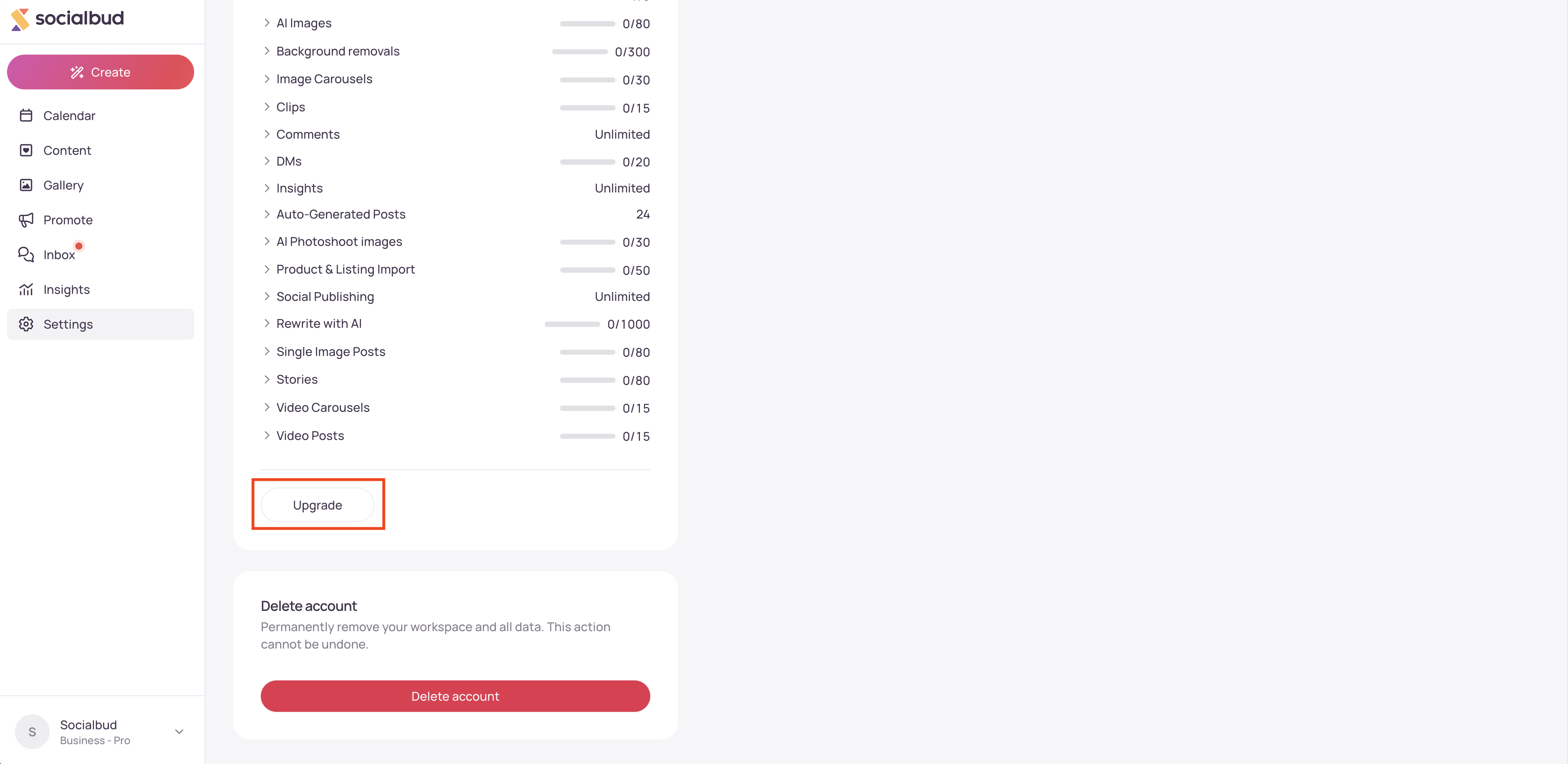
Included in your plan: lists what this plan includes. A number is the allowance. Unlimited means that item has no cap. Allowances that are counted over time start again when the plan renews.
If a cheaper plan is waiting, the page says Downgrade scheduled and Your plan will change to that plan on a date.
Open Settings and select Plan & Billing.
Read Status and Plan.
To pick a first plan, select Choose a plan. To move to a paid plan when no card is on file, select Upgrade. When a card is already on file, select Change plan
To update the card or open invoices, select Manage billing. That opens Stripe. The button says Loading… while it opens, and it appears only for the owner, after a card is on file.
To delete the workspace, the owner uses Delete account at the bottom. Someone who is not the owner uses Leave account. See Deleting your account.
Only the account owner can change the plan, open Manage billing, or delete the workspace. Other people can view the page. It says Only the account owner can manage the subscription.
How plans, prices, and the timing of a change work is in Socialbud plans.
Invoices and the card are in Billing & invoicing help. A failed charge is in Payment issues. A refund is in Refund Policy.
Name, sign-in email, and password are on My Profile. Password is under Change password: enter New password, enter Confirm new password, and select Update password. It does not ask for the current password. The new password must be at least 6 characters. When it succeeds, the page says Password updated.
You cannot find Account & Billing. Use Plan & Billing. The older tab name is gone, and name, email, and password are no longer in that tab.
You see "Only the account owner can manage the subscription." You can read the plan. Ask the owner to change it.
The status says Past due. The last charge failed. Select Manage billing and update the card. See Payment issues.
The status says Cancelling. The subscription is set to end. Cancels shows the date. Select Manage billing if you want to change that.
You see "No plans available" after Choose a plan or Change plan. Switch Billed Monthly or Billed Yearly if the other one is offered, or contact us.
You see "Failed to update plan" or "Failed to start checkout." Try again. If it still fails, contact us.
Where did My Account and Change Password go? My Profile, from the account menu. Plan & Billing is only the subscription.
Where is the count of AI posts I have left? On this page, under Included in your plan:. Each included item shows its own allowance. There is not one shared post counter for the whole plan.

