If you’re sure you want to delete your Socialbud account, follow these steps:
Open the left-hand menu and select Settings.
At the top of the Settings page, click the Account & Billing tab.
You’ll now see three sections:
My Account
Subscription
Change Password
In this section, you can view and update your name and email address, and delete user account
To edit your name, click inside the field under Name and type your new name.
To update your email address, enter your new email in the Email field.
Choose delete account:
On the My account page, you will find the Delete user account button, in the middle of the page
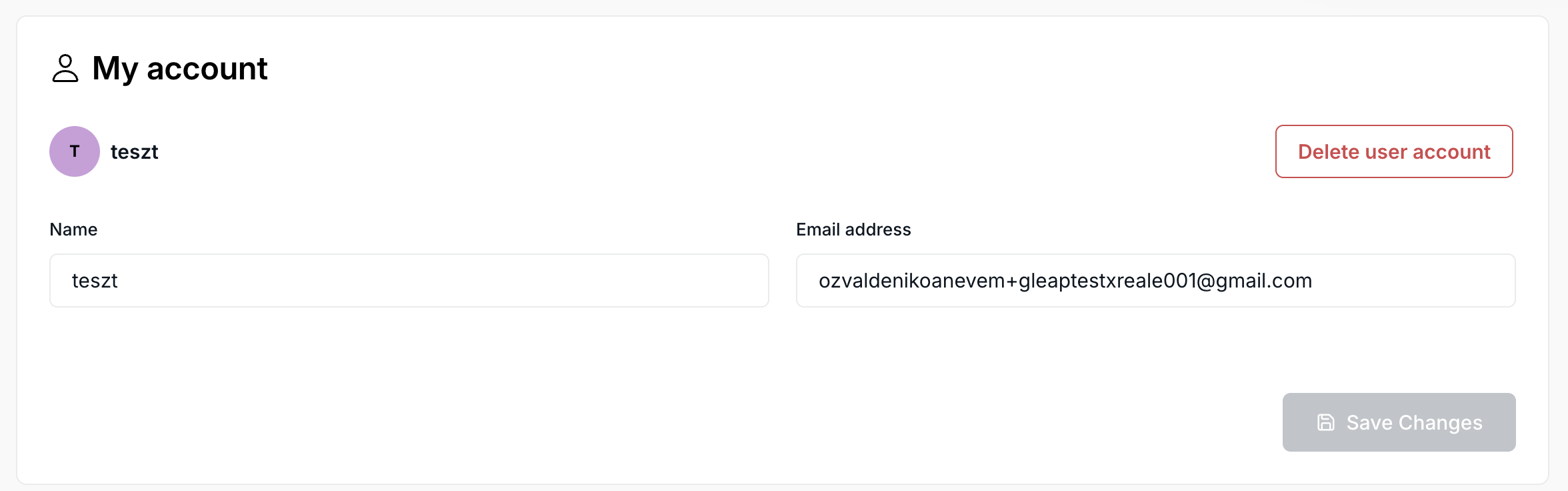
Review deletion information:
A pop-up window will appear with important information about what happens when you delete your account, including that this action can only be completed with our Customer Support team.
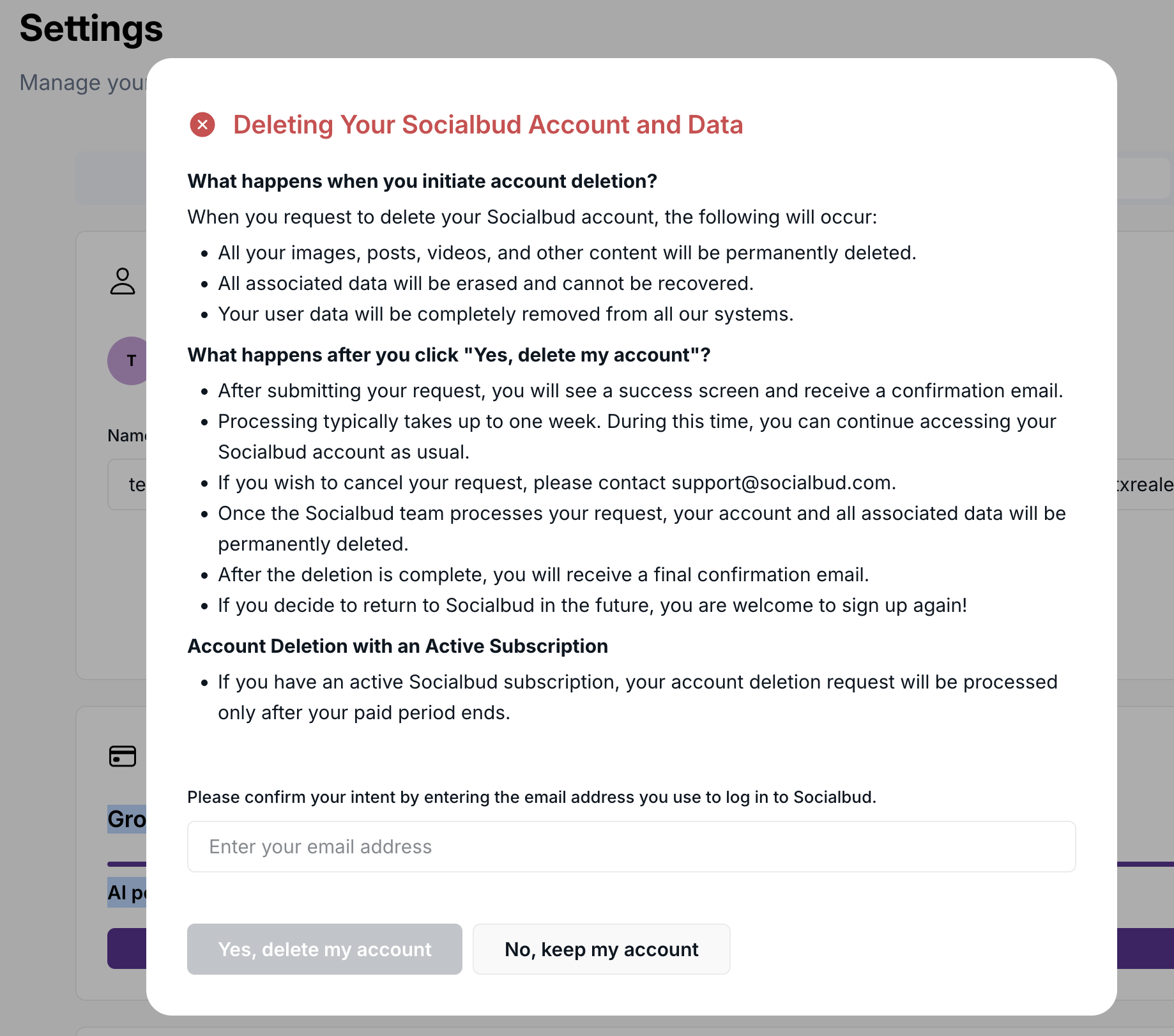
If you are certain about deleting your account:
Click Open support button, to reach Customer support, where you can submit your request to delete your account. Follow any confirmation instructions they may send you to ensure secure processing of your deletion request.


Timeframe for processing
Our Customer support team generally processes account deletion requests within 48 hours. During this time, they may reach out to confirm your request.
Account deletion alternatives
If you’re considering account deletion due to notification preferences or other concerns, our Customer support team is here to help. They can guide you through adjusting your settings or exploring other options that may better suit your needs.
